By default, when using the RapidBIZ API, Horizontal Pod Autoscaling (HPA) is disabled ('absent' selection).
To enable it you must have only 1 replica of the pod set (in the RapidBIZ API).
If you already deployed from a RapidBIZ operator you will have do an edit of the .yaml since the Operator only shows the values
.
Select the RapidBIZ item to change (below click on Example):
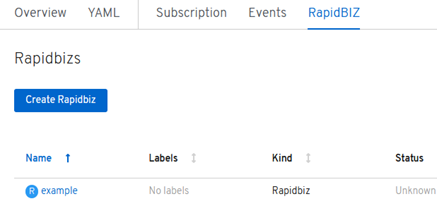
Click on YAML:
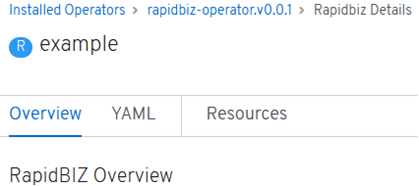
Look for scalepodmin, scalepodmax, scalestate and scalepodcpu and edit the YAML saving it when done:
scalestate to 'present' to enable HPA and 'absent' to disable HPA- minimum number of pods (
scalepodmin)
- maximum number of pods (
scalepodmax)
- CPU percentage (
scalepodcpu)